Scenario
No Wi-Fi, no data, and a phone that can't load anything
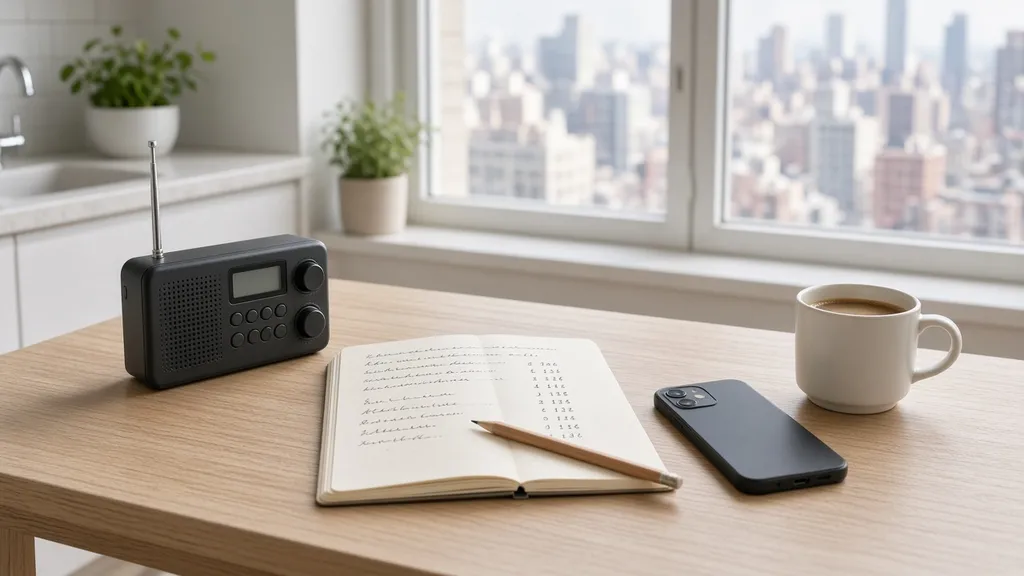
Home internet is out and mobile networks are overloaded or down. Your phone still turns on, but maps, messaging apps, banking, and news sites won't load. The fix is simple: get your information from sources that don't need the internet, and write down the things you normally look up.
On this page
What stops working
- Home Wi-Fi, streaming, and video calls
- Messaging apps, email, and social media
- Online maps and rideshare apps
- Banking apps, and card payments at stores whose terminals use the internet
- Smart-home devices that need the cloud (locks, thermostats, cameras)
What usually keeps working
- AM/FM and NOAA weather radio
- Maps and files you downloaded before the outage
- Voice calls and texts, sometimes, when data is overloaded but voice isn't
- Face-to-face contact with neighbors and building staff
First 24 hours
- 1Switch to radio for news. Note the local stations and emergency frequencies.
- 2Save battery. Lower screen brightness and close apps that keep retrying the network.
- 3Try a text instead of a call. Short texts sometimes get through when calls fail.
- 4Check on neighbors in person, especially older residents.
- 5Go to your written contact list for numbers you normally keep only in your phone.
Days 2 to 7
- Set a daily check-in time with a neighbor or nearby friend.
- Use your printed map for errands. Note which stores and pharmacies are open.
- Keep power banks charged whenever you have outlet power.
- If you work remotely, tell your employer in advance what you'll do in a long outage.
Apartment notes
- Buzzers and smart locks may fail. Know how to get into your building without them.
- The building lobby or bulletin board often becomes the local news source. Check it.
Buy / Borrow / Skip
Buy: a battery or hand-crank radio with NOAA weather bands, a power bank, a printed local map.
Borrow: a neighbor's radio for a test, library printing for maps and contact sheets.
Skip: "off-grid comms" gear you'll never learn to use, and anything marketed as protection from "information warfare."
What to buy
Related: Power plus digital · 7-day checklist
Last reviewed: September 26, 2026
Sources
We base the how-to steps on this page on public guidance. We link to it so you can check it yourself.
- FCC: Tips for Communicating in an Emergency. Networks congest in emergencies; texts often get through when calls don't; keep calls short and keep a list of key numbers.
- Ready.gov (FEMA): Get Tech Ready. Keep a backup power source, use low-power mode, and keep contacts where you can reach them.
- Ready.gov (FEMA): Emergency Alerts. Wireless Emergency Alerts, the Emergency Alert System on broadcast radio and TV, and NOAA Weather Radio.
- National Weather Service: NOAA Weather Radio. What NOAA Weather Radio broadcasts and how to receive it.